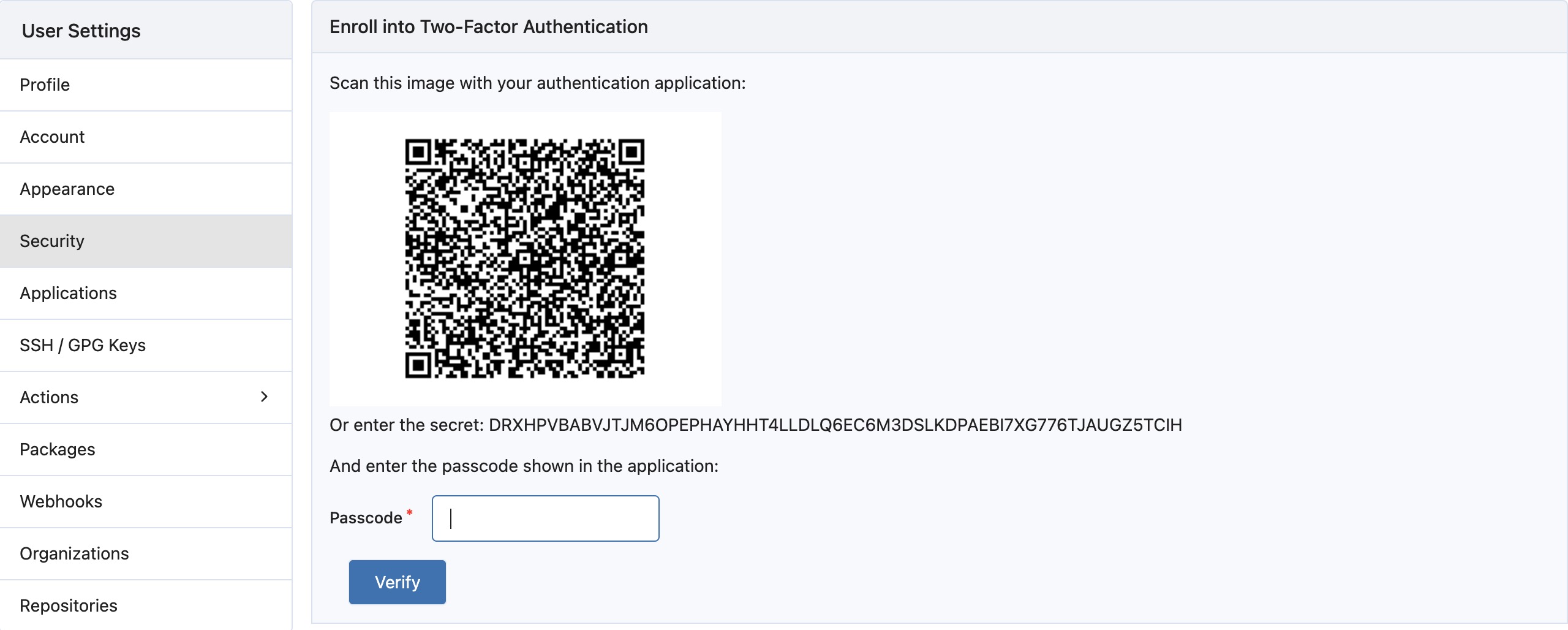
Mandatory 2FA Authentication
Gitea Enterprise supports mandatory 2FA authentication. Once activated, users who have not set up 2FA will be unable to access any repositories.
Why the feature?
Section titled “Why the feature?”2FA authentication can significantly reduce the risk of account theft. Even if attackers obtain your username and password, they will need a second method of verification to access your account. Furthermore, by repeating authentication, unauthorized internal users are prevented from accessing sensitive information. This feature further enhances the security of your code assets.
Configuring mandatory 2FA authentication
Section titled “Configuring mandatory 2FA authentication”Enabling mandatory 2FA authentication requires the following steps:
- Open the configuration file (
app.ini) of your Gitea Enterprise instance. - Find the
[security]section in the configuration file. - Add the parameter
ENFORCE_TWO_FACTOR_AUTHunder this section and set it to true. - Save and close the configuration file.
- Restart your Gitea Enterprise instance for the changes to take effect.
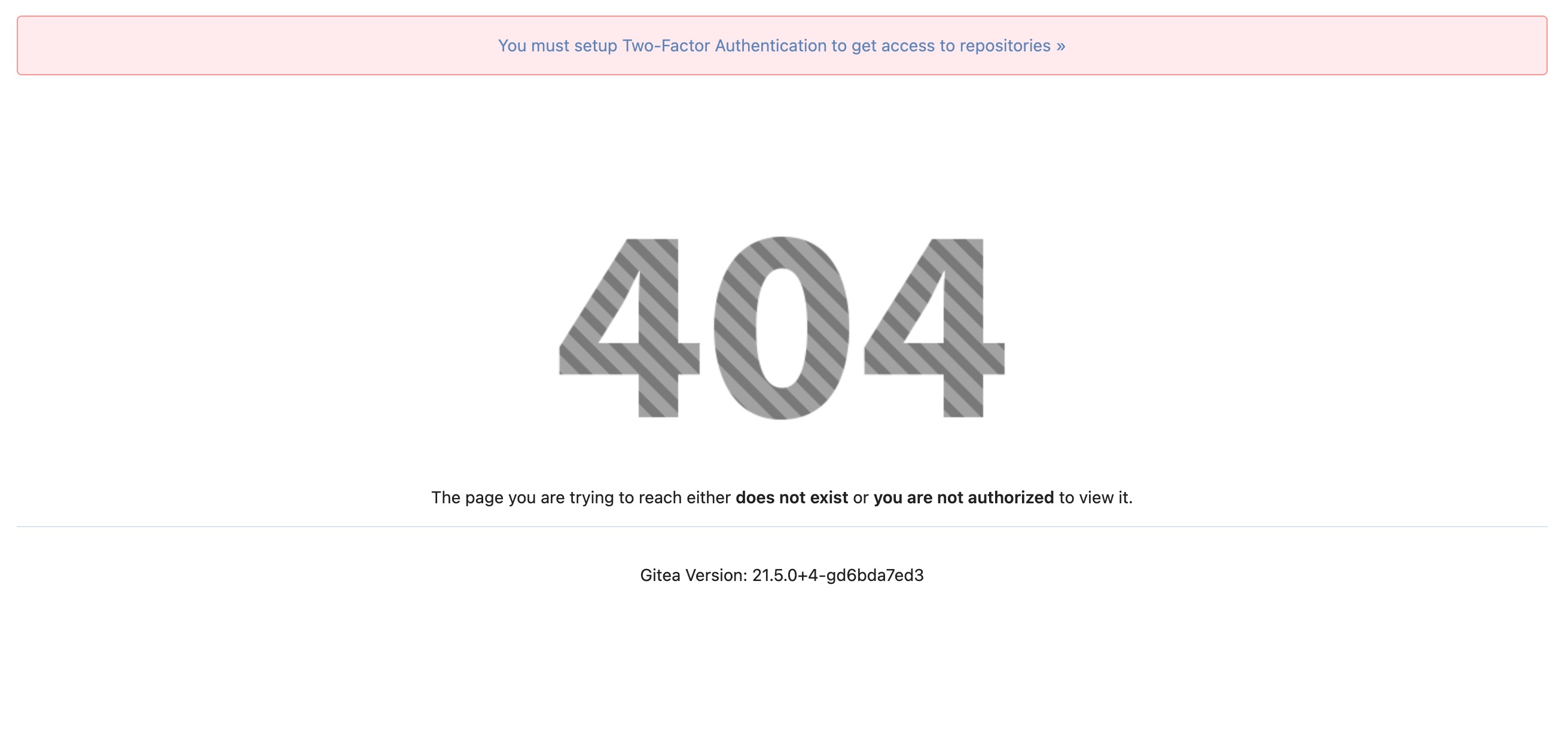
- When you have not performed two-factor authentication, accessing repositories will result as shown in the figure below.
You need to perform 2FA authentication in the settings interface. Once authenticated, you can smoothly access the repositories.